
How to Search Cases by Name
Start at the Hale County government homepage. Open the link labeled “Civil and Criminal Public Access.” It leads to the official Tyler Odyssey portal. Pick the right case area if the live form offers one. Type the name the way the clerk indexed it, and before opening a result, check the role, filing date, court, and case type. A common name can pull up several unrelated Hale County case records.
- Decide whether the District Clerk, County Clerk, JP, or municipal court should hold the case.
- Enter the fewest accurate name terms the form permits.
- Compare the displayed court, caption, filing year, and party role.
- Open the likely match and review its event history and current status.
- Call the custodian if no result appears or the match remains uncertain.
Sometimes the local portal answers with an access-denied message. That is only a technical gap. It is not evidence that a Hale County case is missing.
Hale County Odyssey Search Route
The county calls its Tyler Odyssey entry point “Civil and Criminal Public Access.” Odyssey is the case-management system. Two county clerks control the official files behind the interface. District Court matters sit with the Hale County District Clerk. County Court and probate matters sit with the Hale County Clerk. The county's official case-search entry point is shown on that page.
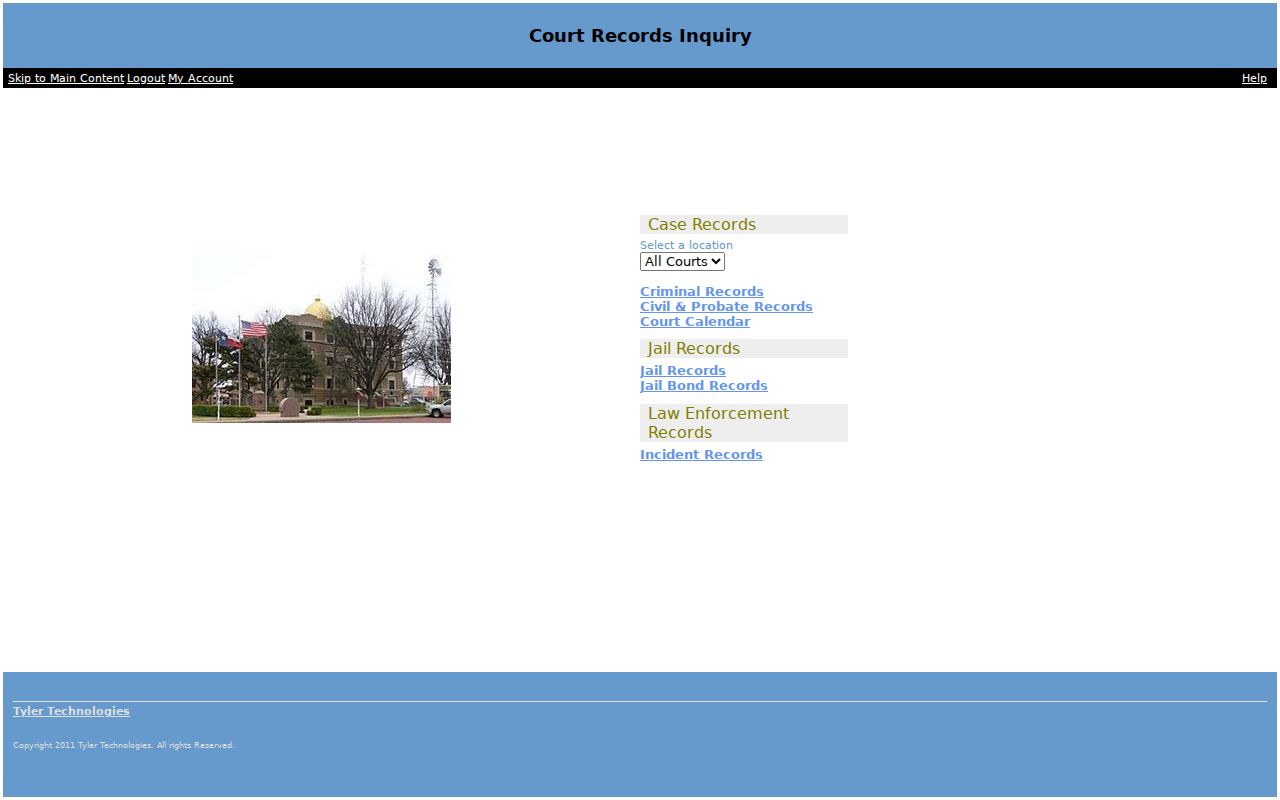
The Odyssey portal can refuse a request with a 403 error, which blocks automated and ordinary visits alike. If the public screen will not load, treat any dropdown or filter you remember as unverified until the live page proves it works. The Hale County clerk can confirm the docket search by phone, at the counter, or through a written request.
| Potential field | Status in Hale research | Safe use |
|---|---|---|
| Case number | Expected; exact label needs live check | Use the exact cause number |
| Party or defendant | Expected; behavior unverified | Match name and role |
| Attorney | Not verified live | Do not promise this filter |
| Court or location | Options not retrieved | Confirm the right custodian first |
| Date or status | Options not retrieved | Use only when displayed |
How to Search by Case Number
A cause number is the best starting key, because it points to one clerk record. Type the full value exactly as it appears on a notice or filed document. The 64th District Court publishes A-prefixed examples, while the 242nd publishes B-prefixed examples. A form like A-[number]-[year] or B-[number]-[year] is a pattern clue only. It is not a rigid parser. If the exact search fails and the form accepts partial values, adjust punctuation. Never invent digits or swap the prefix. Confirm the record is truly in Hale County. Check whether it belongs to a city court or a JP instead. Municipal citation numbers differ from district and County Court cause numbers.
Hale County Clerk Split
Many failed searches start at the wrong office. The Hale County District Clerk keeps 64th and 242nd District Court records, spanning criminal, civil, family, and juvenile cases. The Hale County Clerk holds records tied to the constitutional County Court. Those include county criminal, civil, probate, juvenile, and reported mental-health categories. JP1 and JP3 each run their own lower-court dockets. So do the municipal courts of Plainview, Abernathy, Hale Center, and Petersburg.
| Case level | Record holder | Search fallback |
|---|---|---|
| 64th or 242nd District Court | District Clerk | 806-291-5226 or Suite 4, 225 Broadway |
| Hale County Court or probate | County Clerk | 806-291-5261 or Room 140, 500 Broadway |
| JP matter | JP1 or JP3 | Contact the exact precinct |
| City citation | Issuing municipal court | Contact that city clerk |
Bring the cause number, filing year, names, party roles, and record type whenever you contact an office.
What a Case Search Shows
A Hale County case search can move you from a brief hit list to a register-style detail screen. What you can see depends on case type, document security, and portal settings.
| Case identity | Cause number, caption, filing date, assigned court, case category, and status. |
|---|---|
| People and counsel | Public party roles and attorneys of record, where available. |
| Events | Filings, service, motions, orders, hearings, pleas, judgments, and appeals in date order. |
| Settings | Future or past dates, setting types, and reset history when published. |
| Documents | A link may be open, priced, login-gated, redacted, or absent. |
| Disposition | The recorded outcome, which must be read with later events and orders. |
A docket entry that says an order was filed only records the filing. It is not the order itself. The image you download from the case lookup is not automatically a certified copy either.
Hale County re:SearchTX Layer
re:SearchTX is Texas's statewide electronic repository. It is tied to eFileTexas and works alongside the local Hale County case lookup. State materials describe searching for cases, filings, hearings, tracking, registers of actions, and document purchases. Registration may be required, and fees may apply to documents. Coverage does not match the local portal. The official re:SearchTX site shows this second access layer.
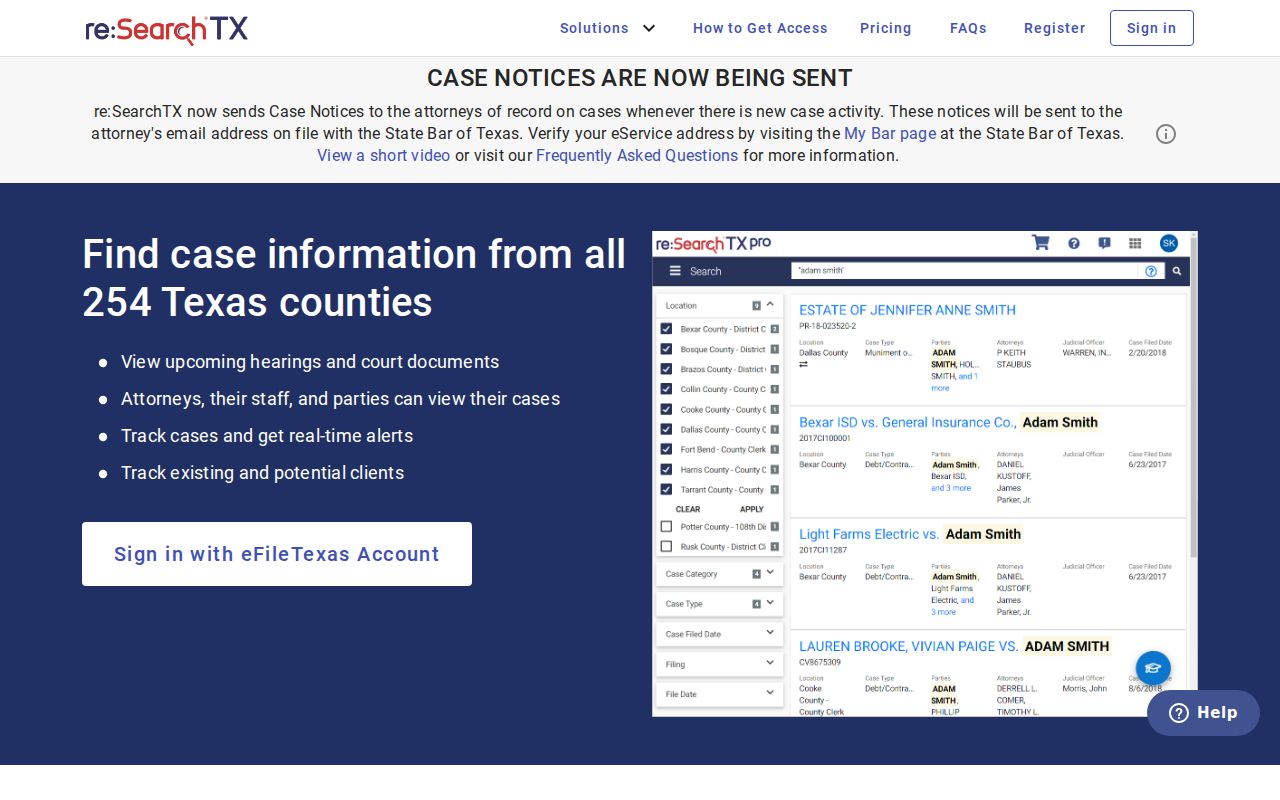
Statewide coverage generally dates to 2016. Criminal case records are excluded from that dataset. Treat both points as context, not a promise about any one Hale County case, and fall back on the local clerk.
County vs Statewide Case Search
The two systems overlap but serve different jobs. Neither replaces a direct request to the office that holds the record.
| Point | Hale County Odyssey | re:SearchTX |
|---|---|---|
| Scope | Local civil and criminal public access | Integrated Texas electronic records |
| Best use | Start for a known Hale case | Complement a local search |
| Documents | Visibility and fee not fully verified | Account and purchase rules may apply |
| Limits | 403 occurred during research | Coverage varies by court and case type |
| Official copy | Request certification from the correct Hale County clerk | |
eFileTexas is a filing and service system. It is not a public case search, and one filer's own submission history does not show the complete docket.
Hale County Result Terms
Search language can blur several different products. Tie each term to what the screen actually displays.
- Search result
- A matching row that helps identify a case.
- Case detail
- The summary screen for a selected Hale County case.
- Register of actions
- The ordered list of filings, events, settings, and outcomes.
- Filed document
- The actual motion, order, judgment, or other image behind an event.
- Certified copy
- A clerk-authenticated copy for an official need.
A result can exist while its image stays hidden. Ask the clerk whether the item is restricted, not digitized, or available through another request route.
Restricted Cases and Access Rules
Texas law and court rules limit some Hale County case records. Juvenile files may be absent or show little data under Texas Family Code Section 58.007. Sealed records and protected family, adoption, CPS, mental-health, or exhibit material can also be restricted. Texas Rule of Civil Procedure 21c requires redaction of sensitive personal data. That rule applies to many filings.
A missing public result does not authorize access. Ask the clerk whether the case is sealed, restricted, unindexed, archived, or held by another Hale County court.
Texas Rule of Civil Procedure 76a governs sealing in covered civil matters. The Texas courts open-records policy also separates case records from administrative judicial records. A Texas Public Information Act request is not automatically the right route for a court case file.
Hale County Search Failure Steps
A party-name search in the Hale County court docket can miss for simple reasons. Run the exact cause number instead, and try alternate spellings of the name. Still nothing? Check the other clerk or the other court level. For an older matter, ask what form the surviving record takes: paper, a bound docket book, microfilm, or an electronic archive. Have an approximate filing date ready, plus the exact title of the document you want.
- For a portal error, return through the official county link and record the date of the failure.
- For a missing setting, compare the case detail with the named court calendar and coordinator.
- For a city or precinct ticket, contact the issuing municipal court or JP.
- For an absent image, ask about access, redaction, price, and a plain-copy request.
- For proof, order the needed certified document from its custodian.
Skip the unofficial aggregator sites. They copy court records badly and prove nothing about a case. Once the case turns up, the Hale County court record search lays out the copy and certification routes.